PERSPECTIVES FROM THE CAMPUS
One of the strengths of Indiana is that we bring together a variety of perspectives from the plethora of areas that touch the field of cyber, especially through the colleges, universities, and other institutions of higher education throughout our state. Hence the name, “Perspectives from the Campus”, we invite experts – immersed in the pursuit of educating their students – to offer their knowledge for finding solutions in cybersecurity that benefit all Hoosiers.
In the latest installment of this series, David Dungan, who serves as the executive director at the Center for Security Services and Cyber Defense at Anderson University, discusses the very real-world cyber risks involved when using (some) USB thumb drives and charging cables. It’s something we might not think about, but the threat is something that certainly deserves our attention.
By David Dungan
In our connected world, charging cables and USB thumb drives are essential tools that help us stay powered up and share data on the go. Whether you’re charging your phone in an airport or borrowing a flash drive to transfer files, it can be tempting to use whatever is available at the time. However, before you plug in that seemingly harmless device, think again. What looks like a helpful convenience could be a digital trap.
Hidden Threats in Cables and Drives
Most people might not realize that charging cables can do more than power your phone, they can also transfer data. Malicious charging cables, like the O.MG cable, are modified to install malware or steal information the moment you plug it into a charging port. Known as “juice jacking”, it involves a situation in which common charging stations -- found in public buildings – are adversely impacted by potentially holding one of these cables, allowing a hacker to silently compromise your device.
Similarly, USB thumb drives purposefully left in public spaces can pose a serious threat.
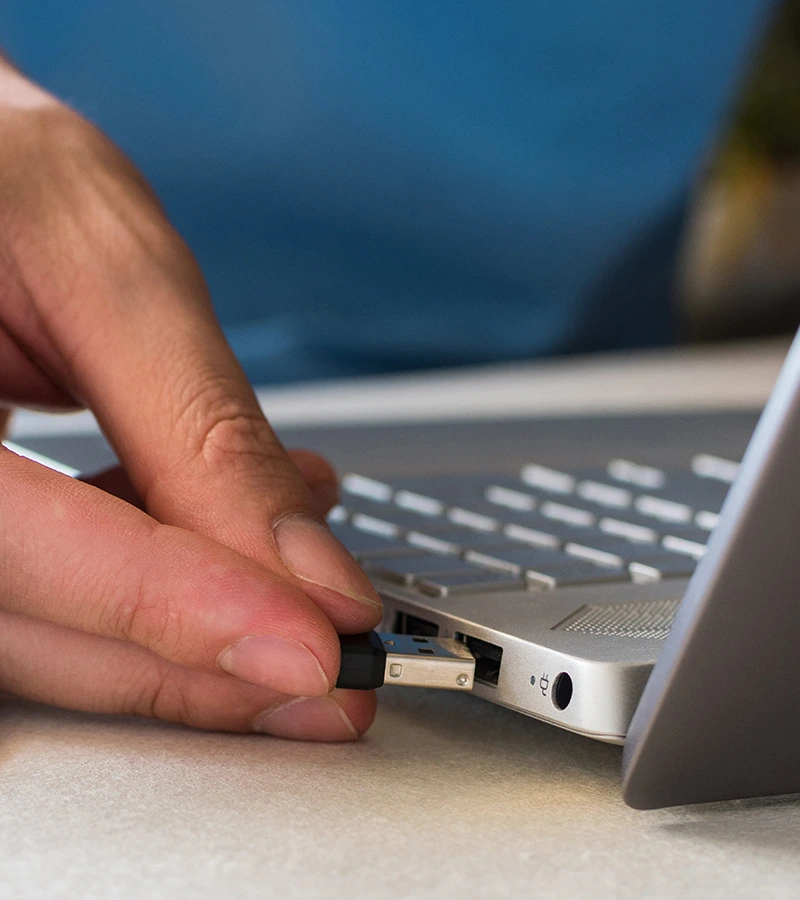
USB drops are a type of cyberattack where an attacker will leave an infected USB drive in a public space where someone will likely pick them up out of curiosity. Once plugged in, malware could automatically execute and infect your device, potentially giving attackers remote access to sensitive data or control over your device. Some heavily modified tools look just like a USB but serve a more destructive purpose, like the USB Killer, which sends a surge of electricity through your device when plugged in, causing damage to internal hardware.
How to Stay Safe
Both methods rely on the same principle: taking advantage of your trust and convenience. Unfortunately, the cost of that trust could be your device, your privacy, or your data. While these deceiving methods of attack exist, there are steps that you can take to ensure you do not fall victim to its tricks.
- Do not plug in unknown cables or USBs into your personal devices.
- Disable Autorun features on your computers.
- Maintain secure and up-to-date software by regularly installing system updates.
- Use a data blocker (also known as a sync stopper) to prevent data transfer while using unknown cables. This physical attachment blocks the data pins in the cable, allowing only power to pass through.
- Be prepared: Bring your own portable battery pack, charging cable or USB when away from home.
Remember that there are many ways that threat actors can use USB drives and charging cables to compromise your devices. Next time you see one of these left in a public area, don’t just blindly plug them into your devices. Instead, bring your own devices, or borrow one from someone you trust.