- Publications
- Training
- Electronic Records Program
- State Records Center
- State Imaging & Microfilm Lab
- Records Retention
- Records Disposition
IARA offers a constantly-expanding collection of handbooks, guides, brochures, posters, bulletins, and other material to help state agencies and county/local offices with managing their records and using our services.
State Records Management
County/Local Records Management
All Records Management
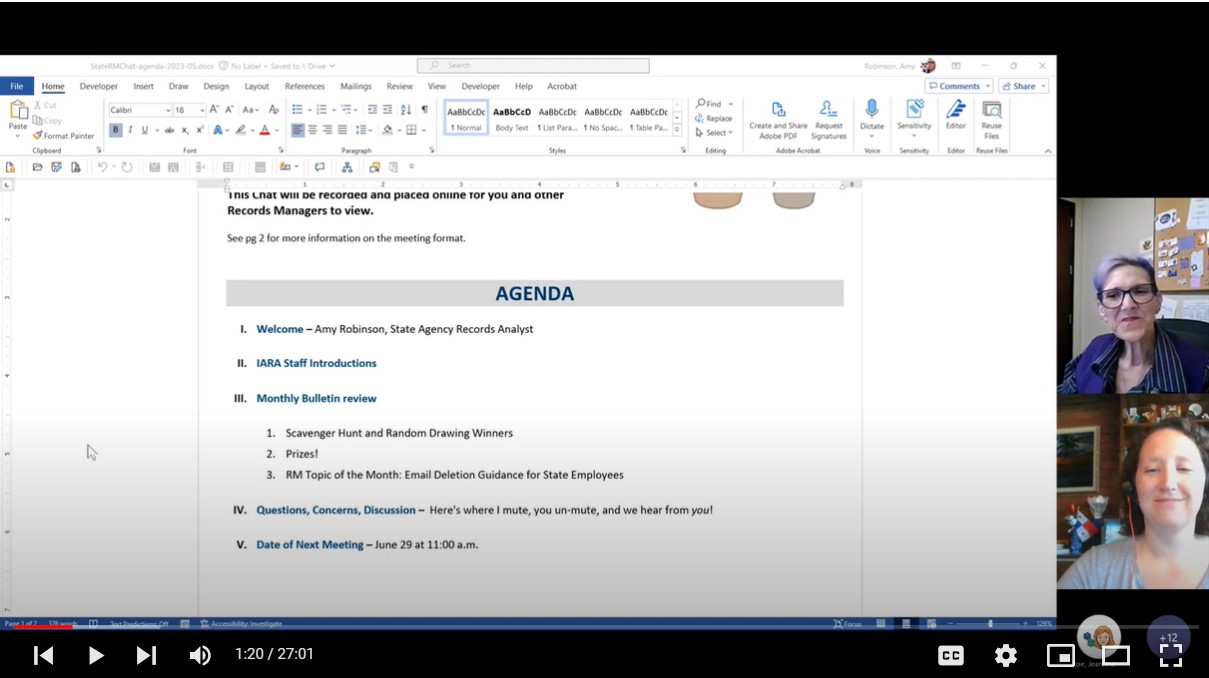
IARA's Records and Information Management team assists Indiana government employees by providing self-paced tutorials, live and recorded webinars, and specialized in-person training on a variety of records management topics and issues, as well as monthly bulletins and group chats for records managers. The following are new for 2023/2024!
Recordings
Electronic Records
- Webinar: Email Spring Cleaning Workshop
- Webinar: Critical Records Program
- Webinar: Electronic Records & County/Local Government Offices: What You Need to Know! (April 2024)
- Webinar: Responsible Records Destruction for State Government Agencies (April 2024)
State Records
- Webinar: Email Spring Cleaning Workshop
- Webinar: Critical Records Program
- Webinar: Responsible Records Destruction for State Government Agencies (April 2024)
- Interactive Game: Is It Eligible for Destruction? (May/June 2024!): a Choose Your Own Records Management Adventure created for MPH Data Day 2024!
County Records
- Webinar: Using the Notice of Destruction
- Webinar: Using the PR-1 Forms
- Webinar: County Commissions of Public Records
- Webinar: County/Local General (GEN) Retention Schedule
- Webinar: County Clerks (CL) Retention Schedule
- Webinar: Educational Institutions (ED) Retention Schedule
- Webinar: Public Safety Agencies (PSA) Retention Schedule
- Webinar: County Recorders (RE) Retention Schedule
- Webinar: County/Local Surveyors (SU) Retention Schedule
- Webinar: Critical Records Program
- Webinar: Electronic Records & County/Local Government Offices: What You Need to Know! (April 2024)
 IARA's Electronic Records Program assists state and local government employees with the special challenges of organizing, digitizing, maintaining, destroying, and applying records retention requirements to electronic records.
This includes guidelines for all electronic records, standards for digitized records and electronic records management systems, policy on destroying original records after digitization, and all the help with managing, retaining, and deleting email that we can possibly provide, because we all need all the help we can get with that.
The Indiana State Records Center provides state government agencies with secure off-site storage for Inactive paper records: those records that have not yet reached their disposition date, and the agency still owns them, but they are no longer used frequently and do not need to be stored in the agency's office.The records must be approved for Records Center transfer on the records retention schedule that covers them, before Records Center staff can accept transfer.
The Records Center also provides courtesy destruction services for records that have reached their disposition date and are scheduled for destruction, and will destroy or transfer records to the State Archives when they are stored in the Records Center and have reached their disposition date.
Before that happens, while your records are still living in storage out at the Records Center, their staff provides records request and delivery services, any time you need a file or even whole boxes returned to your office! Those services are only available to you, not to the public. Public record requests get fulfilled by the agency, never the Records Center.
The State Imaging and Microfilm Lab (SIML) is charged with providing cost-effective imaging and microfilming services to State government pursuant to standards adopted by the State of Indiana. SIML specializes in creating high quality microfilm using standards prescribed by the Indiana Rules of Court, Administrative Rule 6 for permanent preservation, following these standards to ensure that documents filmed today will be accessible up to 500 years from now.
They also provide reformatting services for IARA and for government agencies, specializing in converting organizational records to any medium, to increase their accessibility and improve their preservation. Services include paper and microfilm to digital, paper and digital to microfilm, and processing and duplication of already-existing agency microfilm.
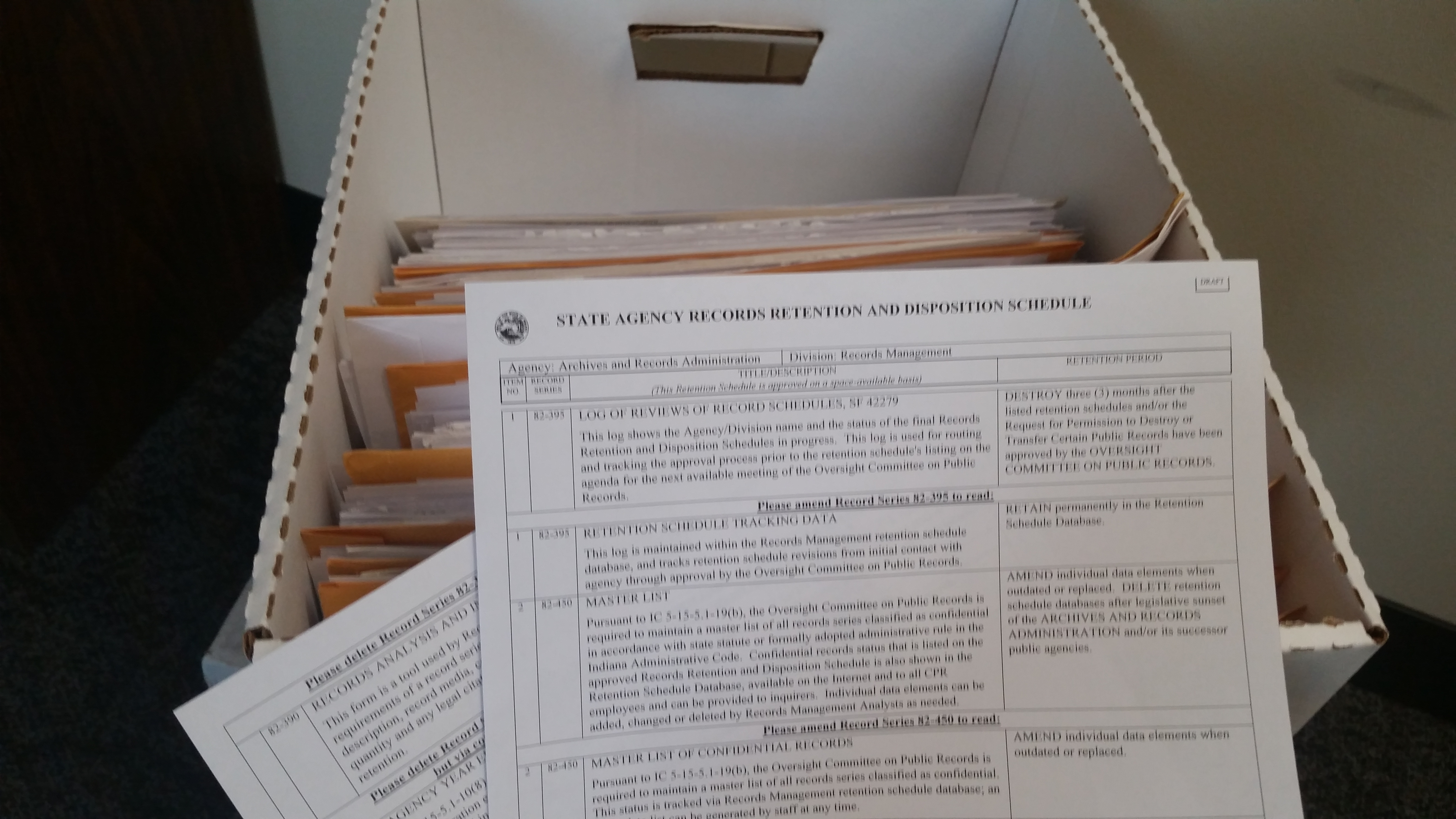 How long an agency must keep a record (retention) is laid out in a record series on the records retention schedule that applies to the agency or office. Each record series also contains information on where the records can be stored, the formats in which the record most frequently appears, and (of course) the type of information covered by that Record Series.
State Agency retention schedules include the General Retention Schedule for all State Agencies and a number of agency and division-specific schedules that varies by agency.
County/Local retention schedules include the County/Local General Retention Schedule and a number of office-specific schedules that are specific to each type of county/local office, rather than any individual government entity.

What happens at the end of a records scheduled retention period (disposition), is usually one of two things:
- it gets destroyed (by the agency or local office, or by the State Records Center for records stored there)
OR - it gets transferred to the State Archives (also by the agency/office or by the Records Center), to become part of the State's permanent research collection of records with historical value. Unlike the Records Center, the State Archives collects electronic records as well as paper, so disposition instructions to transfer records to the Archives don't change if the agency switches to maintaining them in electronic format, only the method of transfer.
Other possible dispositions for County/Local records include maintaining permanent records right there in the office, or transferring records to a local historical society or archive. Full details on that, as well as other disposition instructions, can be found in the County/Local Records Custodian Handbook.
Likewise, full details on records destruction and transfer for state agencies can be found in the State Agency Records Manager Handbook.

Indiana Archives and Records Administration